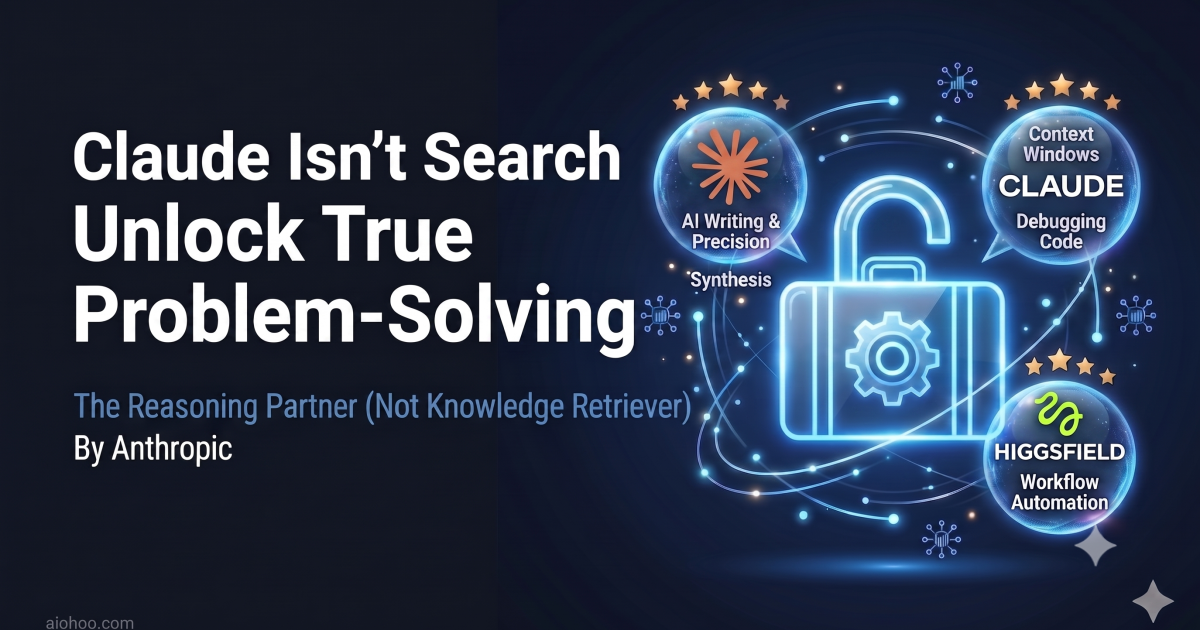
Claude Isn’t a Search Engine—And That’s Precisely Why It Works for Problem-Solving
Most people approach Claude as if it were a faster, smarter version of Google. They ask it a factual question, expect a ranked list of sources, and feel disappointed when it doesn’t browse the web in real-time. This fundamental misunderstanding wastes the tool’s actual strength: Claude is a reasoning partner, not a knowledge retriever.
Claude is an AI assistant built by Anthropic specifically engineered for tasks that require synthesis, iteration, and depth rather than speed or currency. The distinction matters operationally. If you’re building a marketing strategy, drafting technical documentation, debugging code, or structuring an argument, Claude performs differently than other AI systems. If you need yesterday’s stock price or this morning’s news, it doesn’t.
What Claude Actually Does (And What People Misunderstand About It)
The most common misconception is that all AI assistants are interchangeable. They’re not. Claude’s design prioritizes accuracy and reasoning depth over breadth and real-time knowledge. Claude is available on Google Play and Apple’s App Store, making it accessible across devices—but availability doesn’t define capability.
Here’s what Claude is actually optimized for:
- Writing with precision. Not just generating text, but understanding intent even when your brief is vague. It catches logical gaps you missed.
- Code generation and debugging. Claude Sonnet 4.5 is positioned as the best coding model available, particularly for building complex agents and multi-step problems.
- Complex reasoning. Multi-part problems that require holding several constraints simultaneously. Tax implications, regulatory analysis, scenario planning.
- Structured output. Converting messy inputs into clean tables, JSON, or formatted documents reliably.
What Claude doesn’t do well: real-time fact-checking, current events analysis, or answering questions about events after its training cutoff. If your use case requires up-to-the-hour accuracy, you need a different tool or a human verification layer.
How Claude’s Architecture Differs From Competitors
Anthropic built Claude with constitutional AI principles. In practice, this means Claude tends toward caution over confidence. When uncertain, it says so explicitly rather than hallucinating plausibly-sounding answers. This is frustrating for users seeking authoritative-sounding responses but invaluable for professional contexts where an uncertain but honest answer prevents expensive mistakes.
The difference compounds at scale. If you’re using Claude for a one-off task, this conservatism might feel like hesitation. If you’re deploying it across a team where outputs feed into decisions, this trait becomes a feature.
Practical Deployment: Where Claude Outperforms and Where It Stutters
Let’s move past abstractions. Here’s what works:
| Use Case | Claude Performance | Key Limitation |
|---|---|---|
| Writing first drafts (emails, reports, briefs) | Excellent—understands tone and context | Requires human editing for brand voice |
| Debugging Python, JavaScript, SQL | Excellent—explains root causes, not just fixes | Struggles with obscure library versions |
| Analyzing documents (contracts, proposals) | Very good—extracts key terms and risk | Knowledge cutoff limits recent precedent |
| Brainstorming and ideation | Good—generates multiple angles quickly | Ideas may not be novel, just well-articulated |
| Fact-checking and verification | Poor—prone to confident errors | Do not use as primary fact source |
| Real-time market research | Poor—training data is static | Cannot browse web or access APIs without integration |
The pattern: Claude excels when the task is structural or analytical. It struggles when the task is factual or time-sensitive.
The Voice and Multi-Language Feature Often Gets Overlooked
Claude supports voice dictation, which is genuinely useful for workflows where typing isn’t practical. Drafting while walking, recording thoughts while driving, or voice-commanding complex prompts—these scenarios exist but most users never activate the feature. Multi-language support exists too, though the quality varies by language pair. English and major European languages are strong; less-spoken languages show gaps.
The mobile app experience differs from the web version slightly. Mobile offers faster, friction-reduced access but sometimes limits context window or feature richness. For complex multi-turn conversations, the desktop version at claude.ai is preferable.
The Advanced Nuance: Prompt Sensitivity and Context Windows
Claude’s reasoning quality directly depends on how you structure your prompt. This isn’t obvious to new users. A vague request receives a surface-level response. The same request, reframed with specific constraints and examples, generates substantially deeper analysis. This is a feature, not a bug—it trains users to think more clearly about what they’re actually asking.
Context windows matter too. Claude can handle longer documents than most competitors, which allows for detailed analysis without artificial truncation. But there’s a practical ceiling. A 500-page document will process; a 50-document analysis is better handled with filtering or batching.
Common Mistakes That Undermine Results
Mistake 1: Treating Claude like a search engine. Asking “Who won the 2024 election in [country]?” without checking the knowledge cutoff wastes time. Use it for analysis of known facts instead.
Mistake 2: Not iterating. Claude improves with feedback. A single prompt rarely produces optimal output. “That’s too formal—rewrite for a 22-year-old audience” or “Add three specific examples” refines results significantly.
Mistake 3: Skipping verification on output that matters. Code it generates often works but isn’t always optimal. Numbers it cites should be double-checked. Statements about legal liability should go through a lawyer.
Mistake 4: Using it for sensitive, proprietary information without checking Anthropic’s privacy policy. If you’re pasting trade secrets or patient data, understand the implications. Claude doesn’t train on conversation data by default, but this requires verification with your specific deployment context.
FAQ: What People Actually Need to Know
Does Claude retain my conversation data?
By default, conversations on claude.ai are retained by Anthropic for safety and improvement purposes. If data retention is a hard constraint, the API route through the Claude console offers different data handling options. Always verify current policies directly with Anthropic.
How does Claude compare to GPT-4 for coding?
Claude Sonnet 4.5 is now positioned as the strongest model for building complex agents and complex coding tasks. This is recent positioning—the gap wasn’t always this clear. For most professional coding (backend systems, data processing), Claude now edges out competing models. For specialized domains (some ML frameworks), this varies.
What’s the cost difference between free and paid tiers?
Claude offers both free access and paid subscriptions. Free users hit rate limits; paid users get higher usage caps. For occasional use, free is sufficient. For professional or frequent use, the paid tier is standard. Specific pricing should be verified on the official platform.
Can Claude integrate with my existing tools?
Yes, through the API. Integration complexity depends on your tech stack. Teams using Slack, Zapier, or custom webhooks can automate Claude into workflows. This requires some technical setup but is feasible for most modern SaaS stacks.
The Direct Take: When Claude Is Worth Your Time
Use Claude if you’re tackling problems that involve reasoning, synthesis, or structured output. Use it heavily for writing—it genuinely improves drafts when you iterate. Use it for code unless you’re working in niche frameworks or ancient systems. Don’t use it as a search engine, fact-checker, or real-time information source. The Claude community on Reddit shows real-world use cases and gotchas worth learning from.
The quality bar is high. Claude is reliable enough for professional work when deployed correctly. This means understanding its limitations, verifying critical outputs, and using it as an amplifier for thinking—not a replacement for it.